HelpScout vs Kustomer: Which Helpdesk Software is Better for Shopify? (2026)
Links on this page are commercial in intent, at no extra cost to you — they never affect which products we recommend. Read the full disclosure.
Compare features
Showing all 2 products
| Product | API access | Free plan | Free trial |
|---|---|---|---|
| HelpScout | Yes | Yes | Yes |
| Kustomer | Yes | — | — |
HelpScout vs Kustomer: Choosing the Right Helpdesk for Your Shopify Store
If you’re running a Shopify store, you already know that customer support isn’t optional — it’s a growth lever. The helpdesk you choose shapes response times, customer satisfaction, and ultimately, repeat purchases. Two platforms that frequently land on ecommerce shortlists are HelpScout and Kustomer.
But which one actually serves Shopify merchants better? We dug into both platforms’ features, pricing, and integration capabilities to give you a clear, honest answer.
 HelpScout Overview
HelpScout has built a reputation as a clean, human-friendly helpdesk. Founded in 2011, it focuses on shared inboxes, knowledge bases, and in-app messaging — all wrapped in an interface that feels more like email than enterprise software. For Shopify merchants, HelpScout offers a native integration that pulls in customer and order data directly into the conversation sidebar.
Key Features
- Shared Inbox: Manage support emails collaboratively with collision detection, internal notes, and saved replies.
- Docs Knowledge Base: Build a self-service help center with a built-in editor and custom branding.
- Beacon: An embeddable widget that offers live chat, knowledge base search, and contact forms on your storefront.
- Shopify Sidebar Integration: View customer details, order history, and fulfillment status without leaving the conversation.
- AI Features: AI-powered drafts, conversation summaries, and suggested replies have been expanded significantly in 2025–2026.
- Workflows & Automation: Rule-based automations to tag, assign, and route conversations.
HelpScout Pros & Cons
| Pros | Cons |
|---|---|
| Intuitive, minimal learning curve | Limited omnichannel support (no native SMS or social DMs) |
| Transparent, affordable pricing | Reporting is functional but not deeply customizable |
| Excellent knowledge base builder | No built-in CRM timeline view |
| Strong API and 100+ integrations | Automations are rule-based only — no visual workflow builder |
 Kustomer Overview
Kustomer positions itself as a CRM-first customer service platform. Acquired by Meta in 2023 and later operating independently again, Kustomer differentiates itself with a unified customer timeline that aggregates every interaction — emails, chats, social messages, phone calls — into a single, chronological view. It’s built for teams that handle high volumes across multiple channels.
Key Features
- Customer Timeline: A CRM-style chronological view of every touchpoint, order, and interaction per customer.
- Omnichannel Support: Native email, chat, SMS, social media (Facebook, Instagram, WhatsApp), and voice capabilities.
- Shopify Integration: Deep native integration that syncs orders, refunds, cancellations, and customer data into the timeline.
- AI & Chatbots: Kustomer IQ provides AI-powered classification, routing, and chatbot deflection.
- Business Process Automation: Visual workflow builder for complex, multi-step automations across channels.
- Custom Objects & Attributes: Flexible data modeling for advanced ecommerce use cases like subscriptions or loyalty tiers.
Kustomer Pros & Cons
| Pros | Cons |
|---|---|
| Unified customer timeline is exceptional for context | Significantly higher price point |
| True omnichannel support out of the box | Steeper learning curve and longer onboarding |
| Powerful visual workflow builder | No standalone knowledge base — requires add-ons |
| Deep Shopify data sync including refund actions | Can feel over-engineered for smaller teams |
Head-to-Head Feature Comparison
Let’s break down how these two platforms stack up across the categories that matter most to Shopify store owners.
| Feature | HelpScout | Kustomer |
|---|---|---|
| Shared Inbox | ✅ Core strength | ✅ Available |
| Live Chat | ✅ Beacon widget | ✅ Native chat |
| SMS Support | ❌ Via integrations only | ✅ Native |
| Social Media (FB, IG, WhatsApp) | ❌ Limited | ✅ Native |
| Knowledge Base | ✅ Built-in (Docs) | ⚠️ Add-on required |
| Customer Timeline / CRM | ⚠️ Basic sidebar | ✅ Full CRM timeline |
| Shopify Integration | ✅ Order data in sidebar | ✅ Deep sync + actions |
| AI Features | ✅ AI drafts, summaries | ✅ Kustomer IQ, chatbots |
| Automation | ⚠️ Rule-based | ✅ Visual workflow builder |
| Reporting | ✅ Standard dashboards | ✅ Advanced + custom reports |
Shopify Integration: How Deep Does It Go?
HelpScout + Shopify
HelpScout’s Shopify integration is straightforward and effective. Once connected, your support agents see a sidebar panel displaying:
- Customer name, email, and lifetime order count
- Recent order history with statuses
- Order details including line items, tracking numbers, and fulfillment status
- Quick links to jump to the order in Shopify admin
It’s a read-only integration — your agents can view order data but can’t issue refunds or cancel orders from within HelpScout. For most small-to-midsize Shopify stores, this level of integration is more than sufficient. Agents get the context they need to answer questions quickly without switching tabs.
Kustomer + Shopify
Kustomer takes the Shopify integration further. Beyond surfacing order data in the timeline, Kustomer allows agents to:
- View full order history embedded in the customer timeline alongside support interactions
- Process refunds and cancellations directly from the Kustomer interface
- Trigger automated workflows based on Shopify events (e.g., auto-tag VIP customers based on order value)
- Create custom objects for subscription data, loyalty points, or other Shopify app data
If your store processes hundreds of tickets per day and your agents routinely perform order actions, Kustomer’s two-way Shopify integration can meaningfully reduce handle time.
Key Takeaway: HelpScout gives your agents the order context they need. Kustomer lets your agents act on that context without leaving the platform. Choose based on your ticket volume and workflow complexity.
Pricing Comparison (2026)
Pricing is often the deciding factor for Shopify merchants, especially those scaling from a small team.
| Plan | HelpScout | Kustomer |
|---|---|---|
| Entry-Level | ~$25/user/month | Not published — quote only |
| Mid-Tier | ~$50/user/month | Not published — quote only |
| Free Trial | ✅ 15-day free trial | ⚠️ Demo-based |
| Minimum Seats | No minimum | Typically 8+ seats |
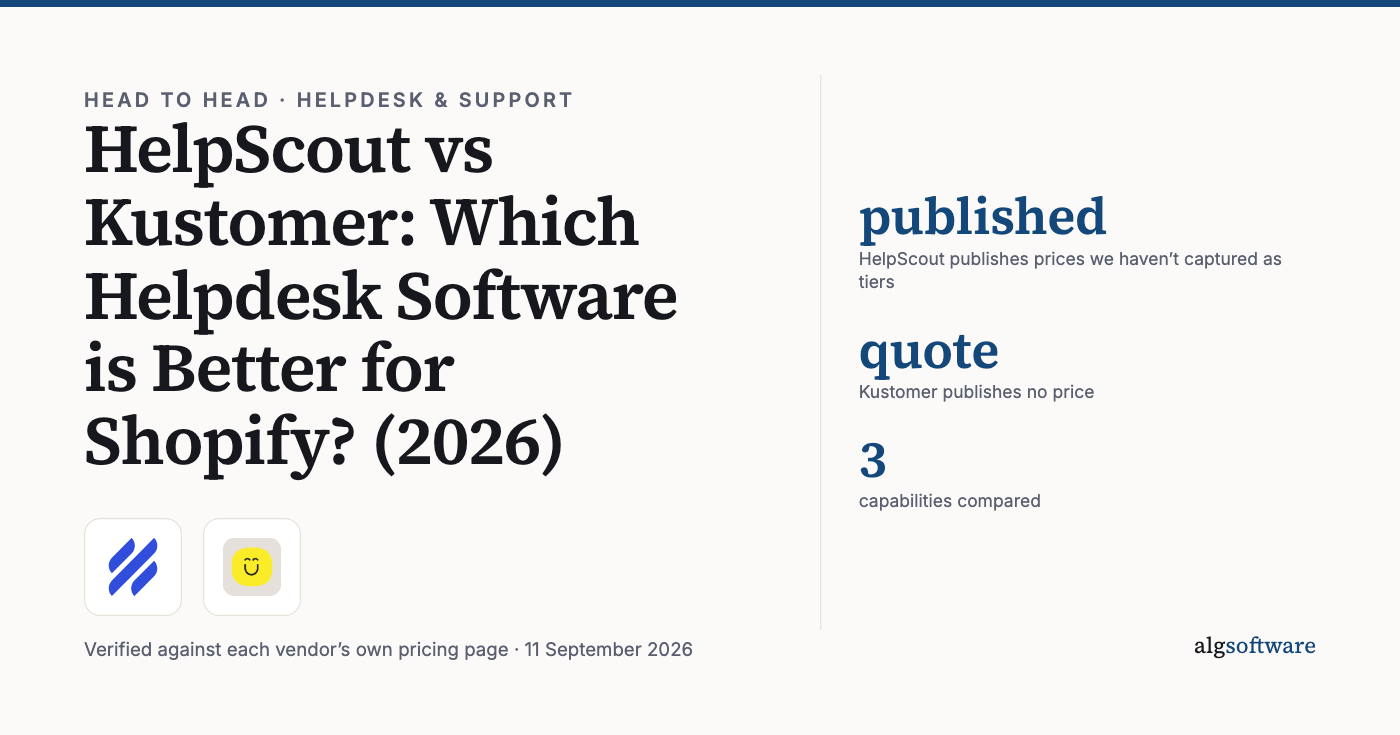
The gap that matters here is not a number, it is whether there is a number at all. A five-person support team can price HelpScout in about ten seconds — roughly $125–$250/month — while Kustomer publishes no plan prices whatsoever. Its pricing page says as much: every CX team’s setup is different, so it doesn’t post one-size-fits-all pricing. What it offers instead is a two-minute assessment of your cost savings and payback period, after which someone builds the quote around your industry, your agent count and your monthly conversation volume. Kustomer Voice and WhatsApp are then billed pay as you go on top of it.
For a bootstrapped or early-stage Shopify store, that is the practical point: you can budget HelpScout this afternoon, and you cannot budget Kustomer until a sales conversation has happened. If you genuinely need omnichannel routing, a visual workflow engine, and deep CRM capabilities, that conversation is worth having. But if you’re a team of 2–10 agents primarily handling email and chat, HelpScout delivers outstanding value without one.
Ease of Use
HelpScout wins here decisively. Its interface is deliberately simple — it looks and feels like a polished email client. New agents can be productive within hours, not days. The learning curve is minimal, and the documentation is excellent.
Kustomer is more powerful but more complex. The timeline view, while incredibly useful once mastered, takes time to learn. Setting up workflows, custom objects, and channel routing requires either a dedicated admin or professional onboarding. For lean Shopify teams wearing multiple hats, this overhead matters.
Who Should Choose HelpScout?
- Small-to-midsize Shopify stores with 1–15 support agents
- Teams that primarily handle email and live chat
- Merchants who want a built-in knowledge base to reduce ticket volume
- Stores that value simplicity, fast onboarding, and transparent pricing
- Businesses looking for HelpScout alternatives to heavier platforms they’ve outgrown or find too expensive
Who Should Choose Kustomer?
- High-volume Shopify stores processing 500+ tickets/day
- Brands that need true omnichannel support across email, chat, SMS, social, and voice
- Teams that want to take actions on Shopify orders (refunds, cancellations) from within the helpdesk
- Operations that require complex, multi-step automated workflows
- Companies with the budget and team size to justify enterprise-grade tooling
What About Other HelpScout Alternatives?
If neither HelpScout nor Kustomer feels like the right fit, the Shopify helpdesk landscape offers several other contenders worth evaluating:
- Gorgias: Purpose-built for ecommerce with deep Shopify integration and macro-based automation. A strong middle ground between HelpScout’s simplicity and Kustomer’s power.
- Zendesk: The enterprise standard with massive extensibility, though it can be overkill (and overpriced) for smaller Shopify operations.
- Freshdesk: A budget-friendly option with a generous free tier, solid ticketing, and decent Shopify integration.
- Richpanel: A newer entrant designed specifically for ecommerce self-service, with a customer portal that lets shoppers track orders and initiate returns independently.
Our Verdict
Key Takeaway: For the majority of Shopify stores, HelpScout is the better choice. It delivers a polished support experience at a fraction of the cost, with enough Shopify integration depth to keep agents informed and efficient. Choose Kustomer if you’re running a high-volume, omnichannel operation where the CRM timeline and workflow automation justify the 3–4x price premium.
The best helpdesk for your Shopify store ultimately depends on your scale, your channels, and your budget. HelpScout gets you 80% of the way there at 30% of the cost — and for most merchants, that math is hard to argue with. But if your support operation is a strategic differentiator and you need enterprise-grade orchestration, Kustomer earns its price tag.
Whichever platform you choose, the most important thing is to actually invest in your support infrastructure. Your Shopify customers expect fast, contextual, human responses — and both HelpScout and Kustomer can help you deliver that.
Try HelpScout Free Try Kustomer FreeA vendor won't publish its prices. What do you do?
- Skip it — no published price, no shortlist — your answer
- Book the demo anyway — your answer
- Depends how well it fits everything else — your answer
- Ask other merchants what they actually pay — your answer
One tap, no sign-in. We store the count for each option and nothing else — no cookie, no account, no identifier, and nothing you typed. Nothing is saved on your device, so reloading the page asks again.
See the live Helpdesk & Support leaderboard — every product we have verified in this category, ranked by what it costs at your volume, with every figure dated and sourced.